

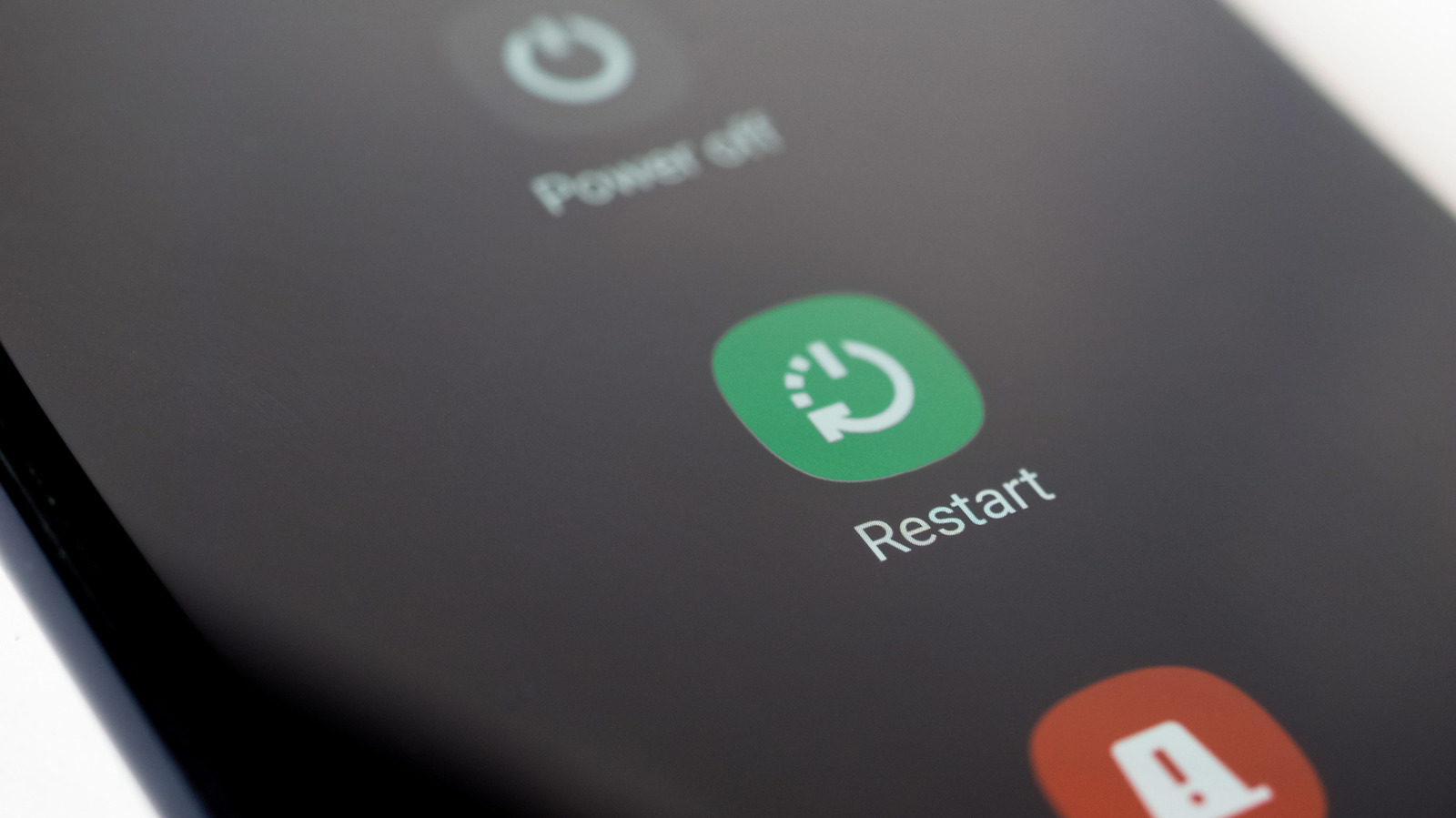
Samsung advises Galaxy owners to restart their phones daily. This recommendation is found in a company support document from late 2021, which is still actively maintained. The document is straightforward: “Restart your Galaxy phone regularly to prevent it from slowing down or freezing.” It emphasises the importance of making this a daily habit.
In contrast, another analysis on the same topic suggests that for most users experiencing performance issues with modern smartphones, a weekly reboot is sufficient. These two positions cater to different audiences: one is directed at users who rarely interact with their phone’s settings, while the other assumes the reader is aware when their device begins to lag.
The Real Insight Is About the User, Not the Phone
Samsung’s daily directive is aimed at users who may not notice a problem until an app freezes during use. For these individuals, a nightly reboot can help clear minor issues before they escalate into the need for a service visit. The company has even developed an automation tool to facilitate this process. This feature can be found under Settings > Battery and device care > Automation, and it initiates a restart while the user sleeps. The conditions for this restart are specific: the screen must be off, the device must be idle, the battery level must be above thirty percent, and the SIM card lock must be disabled.
The broader expert view speaks to a different reader. Newer flagship phones manage memory and background tasks with enough sophistication that a weekly restart is sufficient. Older hardware and budget phones with tighter RAM have less cushion. On those devices, a weekly cadence may not be enough to prevent visible slowdown. But for anyone carrying a recent iPhone or a high-end Android handset, the weekly rhythm tracks with how the operating system actually runs.
A third factor shapes real-world behaviour more than either source emphasises. Monthly security patches and operating system upgrades include a mandatory reboot as part of installation. Users who install those updates when they arrive are already restarting on a schedule that meets the weekly guideline. If a device goes three or four weeks without an update, that is when a manual power cycle becomes useful.
What a Restart Actually Fixes
The mechanism is simple but frequently misunderstood. Restarting a phone does not scrub stored files or delete user data. It does one thing: it terminates every active process and clears Random Access Memory (RAM). Apps suspended in the background but still holding memory are evicted. Small execution errors that piled up during days of uptime get zeroed out. The device wakes up running only essential services.
This explains why a restart fixes intermittent freezing more reliably than swiping away individual app cards. Closing an app from the recent apps screen does not always force it to release its memory allocation. A power cycle leaves no room for ambiguity. Samsung’s support page states the logic directly: try a restart before calling a technician.
The NSA Connection
One detail in the April 2026 analysis highlights that the restart goes beyond just performance tweaks. The report references best practices previously issued by the United States National Security Agency (NSA) regarding mobile device hygiene. The NSA identifies regular reboots as a countermeasure against a specific type of threat: malware that operates solely in a device’s volatile memory and does not write itself to permanent storage. This type of malware disappears when the RAM is cleared.
The agency’s comprehensive best practices document on mobile device protection includes the reboot recommendation as part of several security measures. By forcing a reboot, the attacker must find a new way to regain access, which increases the difficulty of maintaining ongoing surveillance or data collection. Although this strategy does not protect against all types of compromise, it serves as a low-effort disruption for travellers who may have used an unfamiliar charging port or clicked on a suspicious link. The inclusion of this practice in official guidance indicates that its benefits are real, even if they are somewhat limited.
Battery Life and Automation
Battery endurance offers another reason the two sources converge on the same practice even while disagreeing on frequency. A phone that runs for weeks without interruption can develop an energy leak. A background service or misbehaving app slips into elevated power draw and drains the battery faster than the user expects. A restart interrupts that condition and forces the system to rebuild its model of remaining capacity.
Someone who has watched their phone drop from twenty percent to a sudden shutdown often finds that a reboot recalibrates the software and restores a predictable discharge curve. Samsung’s auto restart feature handles this without requiring the owner to remember it.
Which Advice Fits
The apparent conflict between the two positions fades once the intended audience for each is clear. Samsung’s daily restart guidance is written for the person who will never read an article about phone maintenance. It is a safety net strung low to catch the least engaged user before frustration sends them to a store. The weekly cadence assumes someone attentive enough to notice when a phone begins to drag and willing to act before the problem escalates.
Both positions hold. A user with an aging device, limited free storage, or a habit of ignoring software updates should follow Samsung’s lead and restart daily, either manually or through the automation tool. A user with a recent flagship who installs monthly patches can reboot once a week and see the same outcome.
Source: Dailygalaxy.com

